USA Data Curation
This document explains how to process and standardize the raw datasets for the USA simulation.
Raw Data Sources
data/usa/opencellid/*.csv: Contains Cell Tower (gNB) locations for USA (MCCs 310-316).- Source: OpenCellID.
data/usa/agent-unprocessed-raw-datasets/cb_2024_us_county_500k/: Shapefiles for US Counties.data/usa/agent-unprocessed-raw-datasets/co-est2024-alldata.csv: Population estimates for US Counties.data/usa/agent-unprocessed-raw-datasets/uscities.csv: Major US cities data.- Source: SimpleMaps US Cities Data.
Processing Scripts
The USA data processing is split into multiple steps to handle the complexity and size of the datasets.
1. data/processing_scripts/process_usa_data.py
This script merges the Census Shapefiles with the Population CSV to create a unified dataset.
- Reads the Shapefile (
.shp) to get county geometries and FIPS codes. - Reads the Population CSV to get population estimates.
- Merges them based on FIPS codes.
- Outputs:
data/usa/usa_counties.geojson: GeoJSON with county boundaries and FIPS IDs.data/usa/usa_municipalities_coordinates.csv: CSV with county centroids and population.
2. data/processing_scripts/process_usa_cities.py
This script processes the raw cities file.
- Reads the raw cities CSV.
- Filters for major cities or specific criteria.
- Outputs:
data/usa/usa_cities.csv: Standardized cities list.
3. data/processing_scripts/standardize_usa.py
This is the final step that prepares the data for the Julia simulation.
- Reads the intermediate files generated by the previous scripts.
- Filters for the Contiguous United States (CONUS), excluding Alaska and Hawaii to keep the simulation focused.
- Standardizes column names to match the simulation's expected format (
id,name,population,lat,lon). - Saves the final files to
data/usa/:municipalities.csvregions.geojsoncities.csv
Environment Setup & Execution
To ensure reproducibility, use a dedicated Python virtual environment for these scripts.
-
Set up the Environment (only needed once):
-
Run the Processing Pipeline: Make sure the virtual environment is active.
source data/processing_scripts/.venv/bin/activate

# Step 1: Process Census Data
python3 data/processing_scripts/process_usa_data.py

# Step 2: Process Cities Data
python3 data/processing_scripts/process_usa_cities.py

# Step 3: Standardize for Simulation
python3 data/processing_scripts/standardize_usa.py
Visualizations
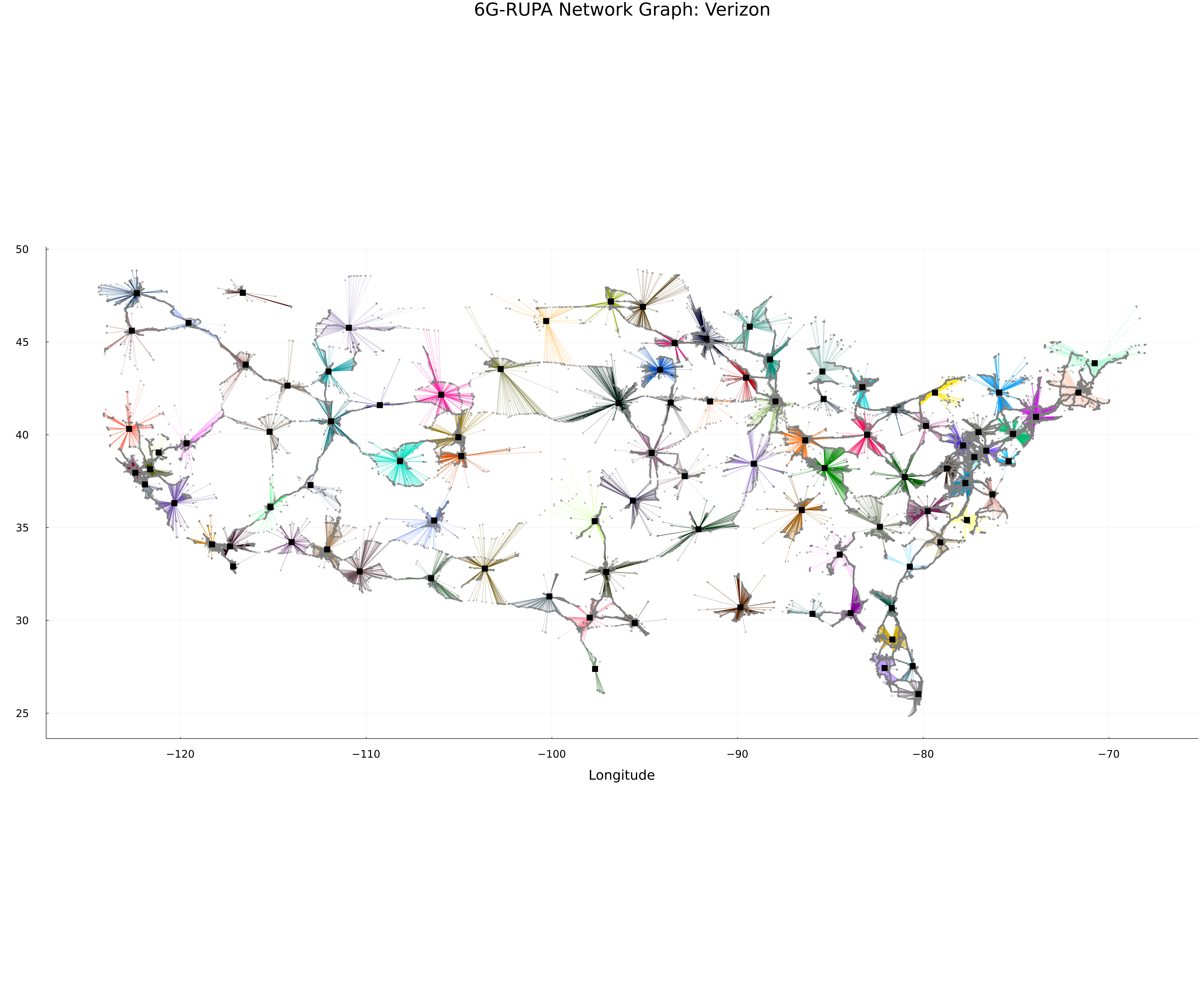
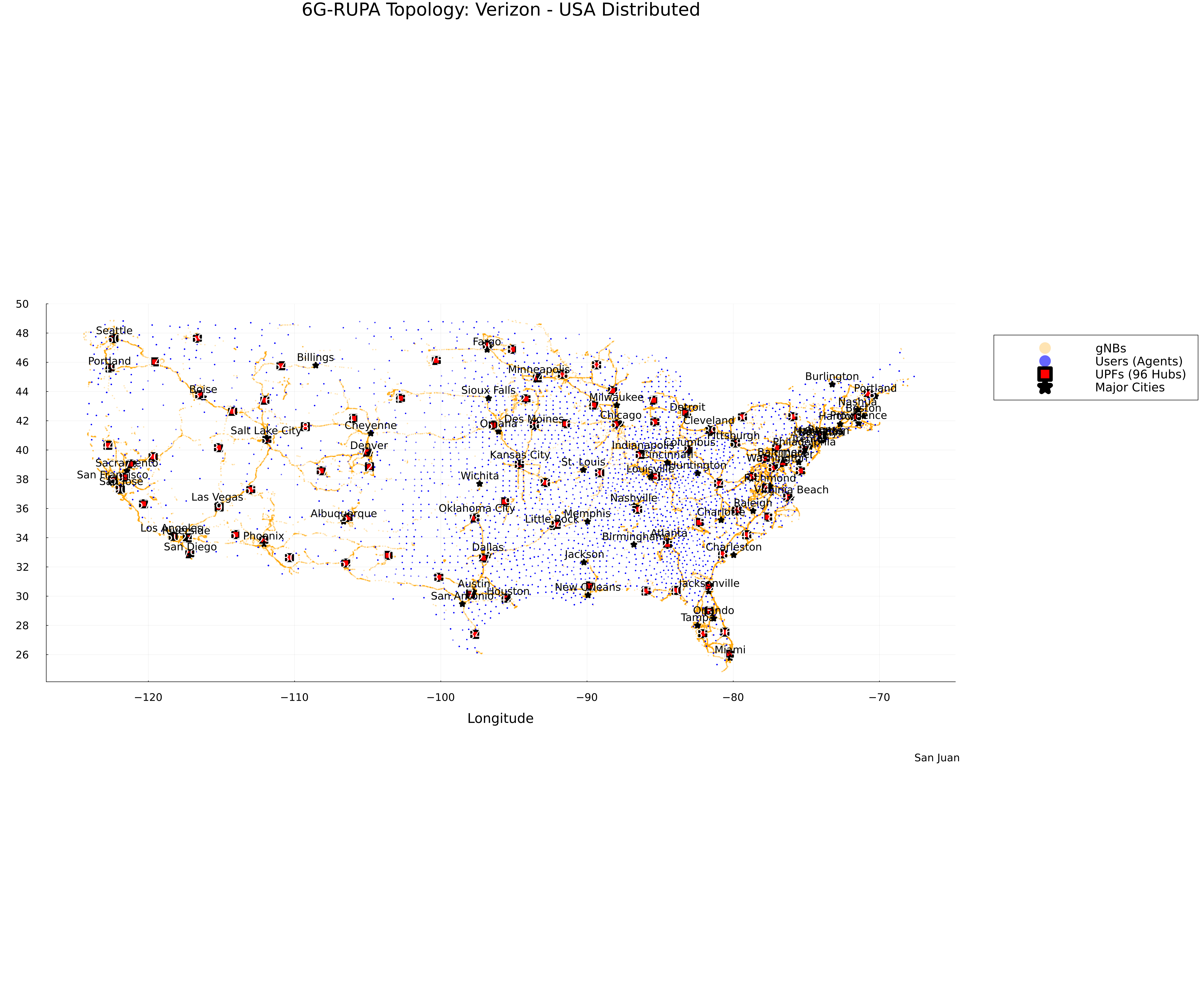
Here are some visualizations of the generated topology for the USA (Verizon).
Topology Map
Network Graph